
I let AI control my cTrader account
New to this? Start with the Claude & cTrader setup guide.
What happens in the video
- Open a blank 15-minute chart for every open trade
- Rank trades by profit and distance to take profit
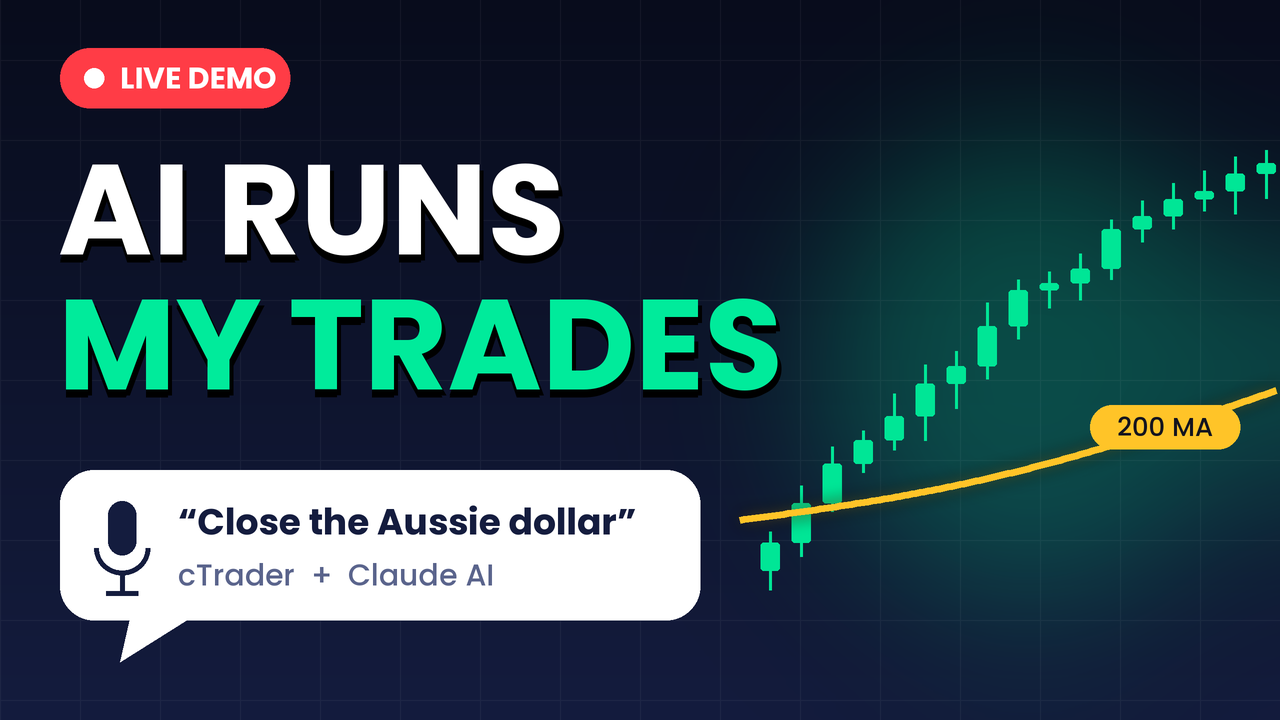
- Add a 200 moving average to judge the larger trend
- Check whether each trade is with or against that trend
- Close a sideways, losing trade and its chart
- Move the Brent stop loss halfway between entry and current price to lock in profit
- Confirm the exact profit if that stop is hit
What to take from it
Counter-trend trades deserve extra caution
A short trade sitting above a rising 200 MA is trading against the bigger trend.
A flat 200 MA means a ranging market
There is no strong directional edge.
Protect profits with the stop, not just the exit
Moving the stop partway locks in gains while leaving room to run.
Voice + AI removes the clicking
Routine platform tasks can be done conversationally.
Tools used: cTrader (the trading platform), Claude AI (the assistant connected to cTrader) and a 200-period simple moving average (trend filter).
Prompts to try on demo
Open a new blank 15-minute chart for every currency pair I have an open trade on.Tell me which trades are in the most profit and closest to take profit.Add a 200 moving average and tell me if my trade is with or against the larger trend.Set my stop loss halfway between my entry and the current price.Risk disclaimer. This content is for educational and entertainment purposes only and is not financial advice. Trading carries risk and you can lose money. Do your own research before making any trading decisions. Account type has not been specified.